← All work
Prototype · Woodsmith AI · AI concept & working browser prototype · 2026
From workshop idea to a prototype you can try
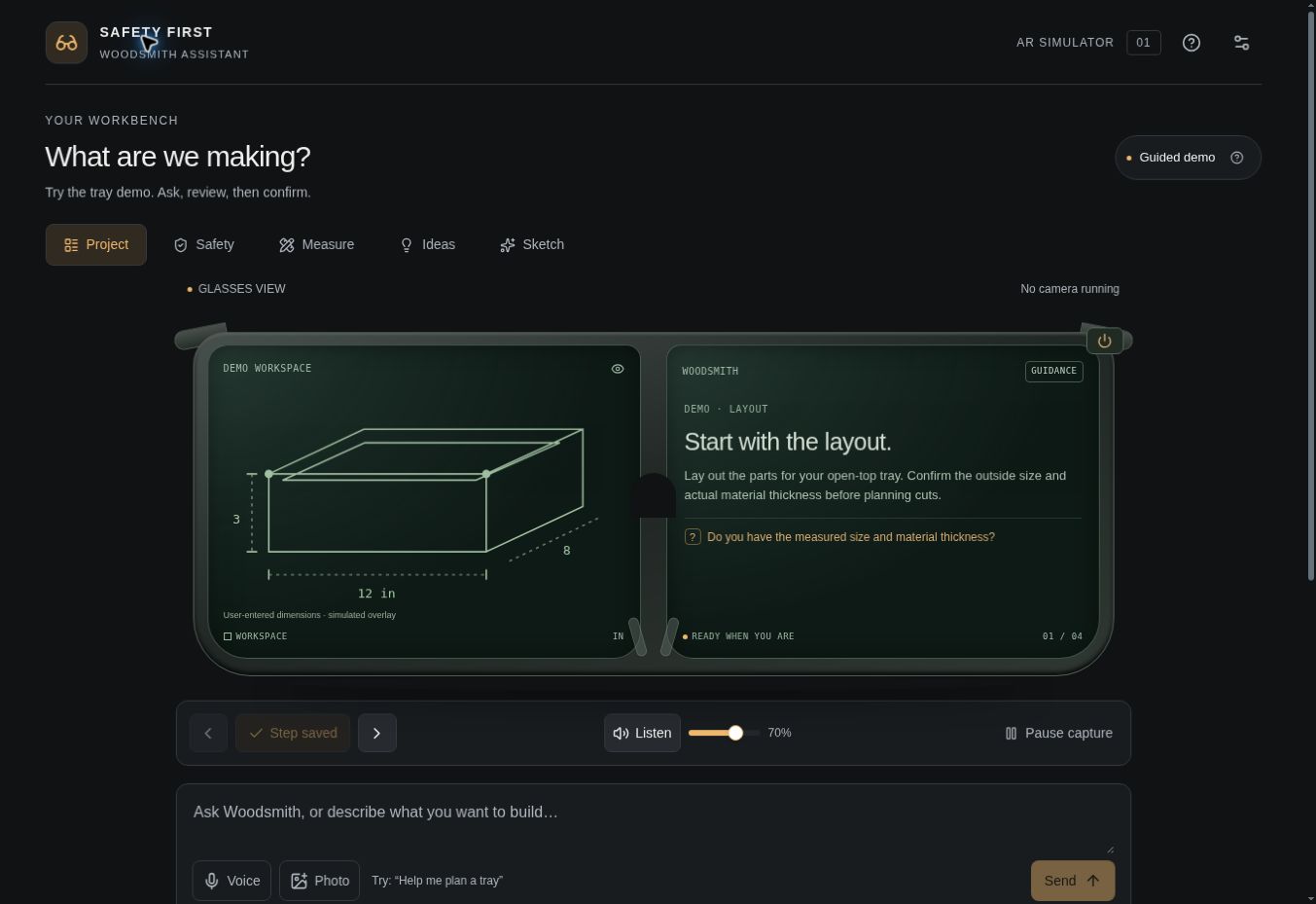
I conceptualized Woodsmith and designed an interactive AR-glasses prototype for planning, measurements, safety reminders and project guidance. Try it here or open the full app.
- Role
- Product concept · UX/UI design · AI-assisted implementation
- Focus
- First-use clarity, user control, assistive AR
- Output
- Interactive web prototype and portfolio embed
- Status
- Published guided demo; no real AR hardware
Open the woodsmith prototype ↗
The problem
Checking instructions, recalling measurements and recording progress can interrupt a maker’s attention. I explored how an assistant could support those moments while making its limits and the user’s control clear.
The task
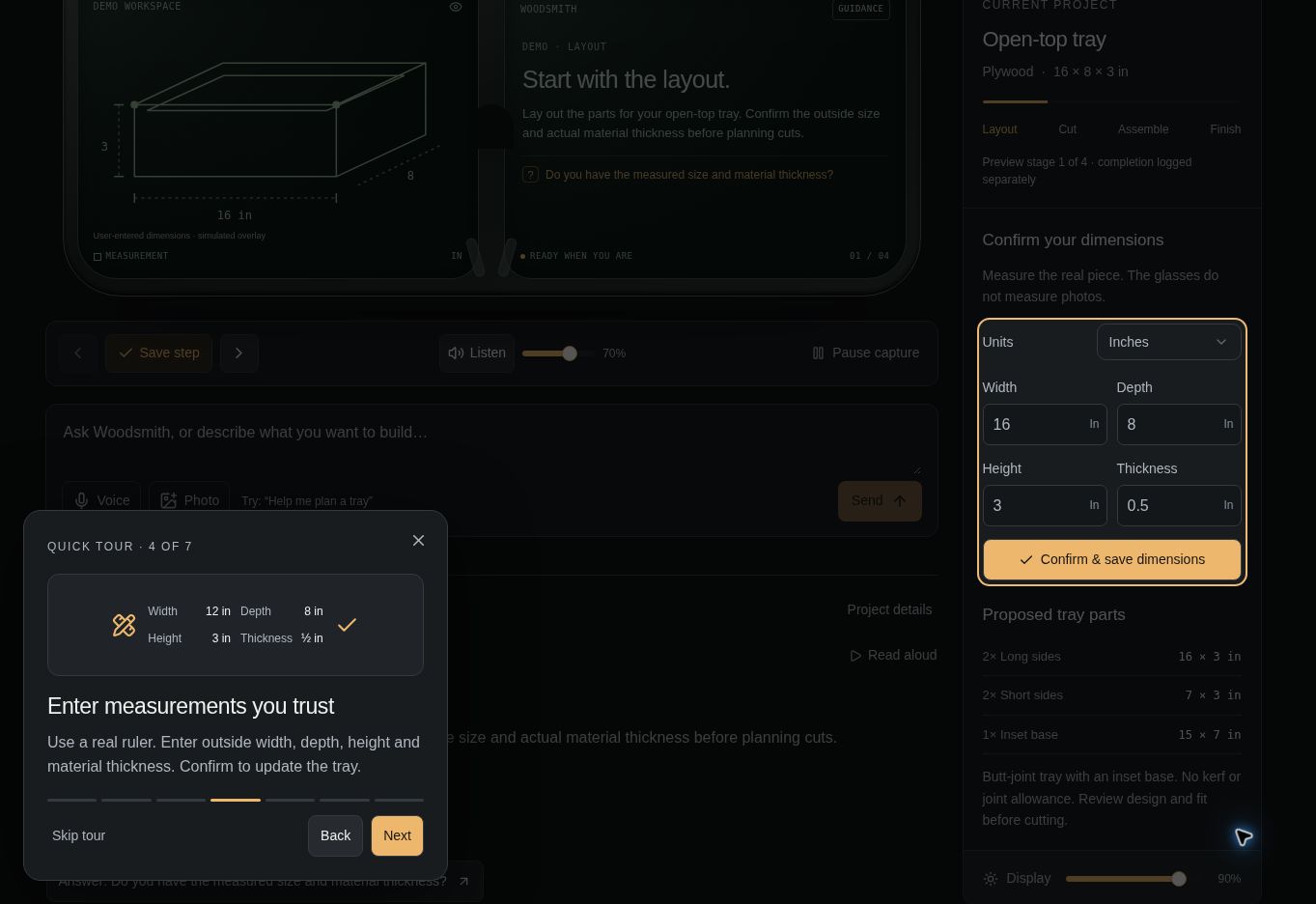
Turn my Safety First AI Copilot course concept into a tangible experience people could try without AR hardware. The prototype needed to make the first request and each unfamiliar control understandable.
The result
The result is a published browser prototype you can try on this page. It supports guided responses, real measurement inputs, tray calculations, notes, photos and browser audio controls. The implementation was checked for input validation and desktop and phone-sized interactions. It currently uses sample response scenarios; live AI and workshop safety performance remain unvalidated.